
AI Virtual Try-On Makeup: What Shade Matching Gets Right — and Wrong
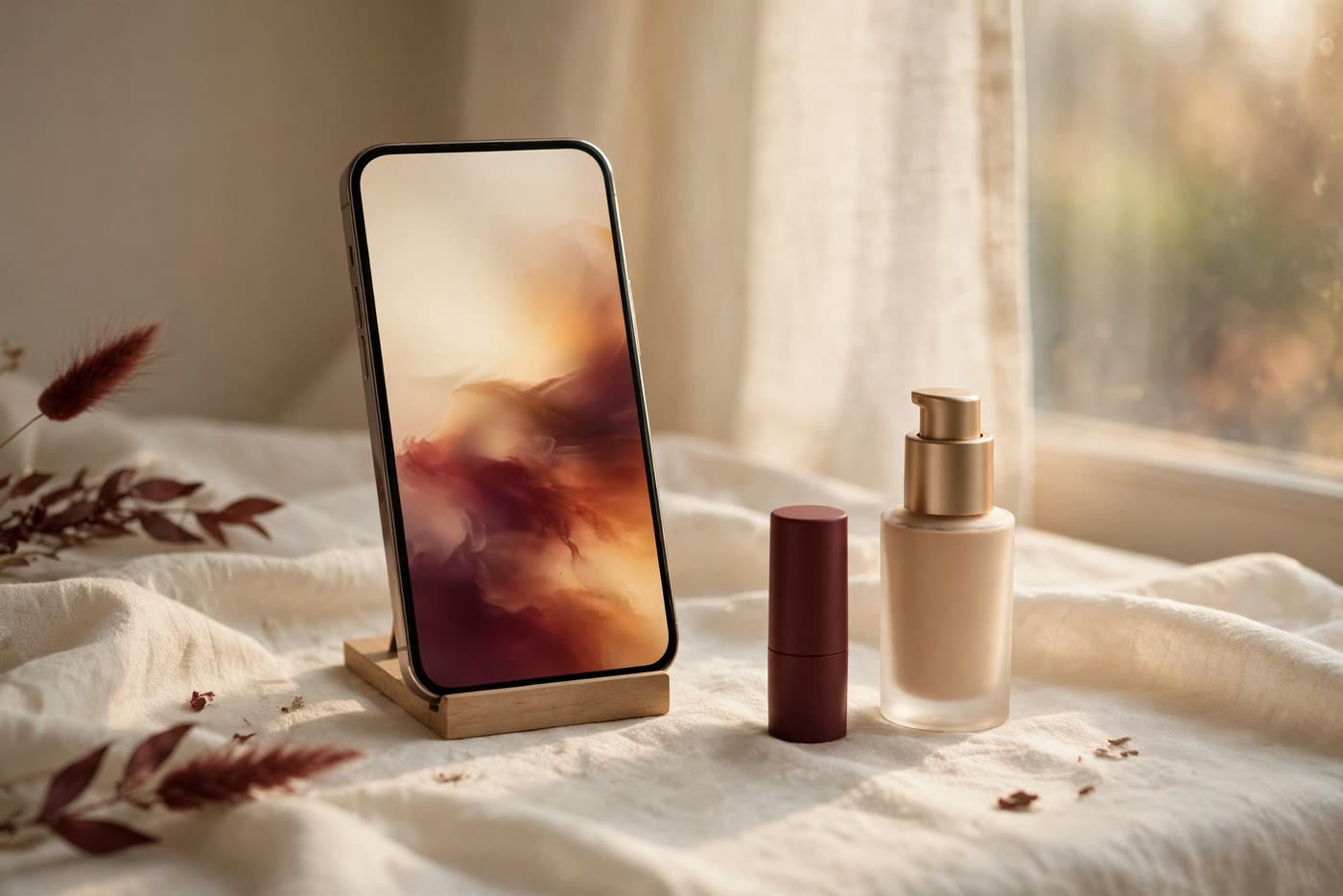
Open a beauty app, point the camera at your face, and watch a lipstick appear on your lips in real time. Virtual try-on has moved from novelty to the default way many people shop for makeup online, and the promise is seductive: no more wrong shades, no more returns, a perfect match from a selfie. Brands invest heavily in the technology because it works — it reduces returns and increases confidence, and for many shoppers it is genuinely better than guessing from a thumbnail.
But a shade match from a selfie is a measurement made by a camera that was never designed to measure colour, under lighting the app cannot control, on a screen that cannot show colour accurately. The technology is real, and it is improving, but its limits are built into the physics of cameras and screens rather than the quality of any single app. This guide explains what virtual try-on actually measures, where it breaks, and how to use it without letting it choose your shade for you.
How virtual try-on actually works
Behind the lipstick on your screen are two separate technologies. The first is face tracking: the app finds the landmarks of your face — the lip border, the eye corners, the jawline — and maps the virtual product onto them in real time, adjusting as you move. Modern face tracking is genuinely good at this; the product stays on the lips when you turn your head, and the edge follows the lip line closely enough to look convincing. That part of the technology is largely solved.
The second technology is colour. The app estimates your skin tone from the camera image, then renders the product shade onto your face by blending the product's digital colour with the pixels of your skin. The rendering uses the brand's digital shade data — a colour value for each product — and the result is a simulation of how the shade might look. The key word is simulation: the app is showing you a blend of two digital colours, not the physical product on your physical skin.
The shade recommendation is a third step, and it is the weakest one. Some apps analyse the estimated skin tone and suggest the closest shade in the range; others ask you to answer questions about your undertone and then filter the range. Both approaches depend on the skin-tone estimate, which depends on the camera and the light. Get the estimate wrong by a step, and the recommendation is wrong by a step — which is why so many people report that the app's first suggestion was not the shade that actually suited them.
Where the match breaks: light, camera and skin
Lighting is the single biggest source of error, and it is entirely outside the app's control. A selfie taken under warm indoor bulbs makes skin look warmer and darker than it is; a selfie in cool daylight makes it look cooler and lighter; a selfie under mixed light — a window on one side and a lamp on the other — makes one side of the face a different colour from the other. The app cannot know which of these is the true skin tone, so it guesses from the image it is given. The same face photographed in three rooms can produce three different shade recommendations.
The camera itself is the second problem. Phone cameras apply their own colour processing — white balance, saturation, skin smoothing — before the app ever sees the image, and each phone model processes colour differently. A front camera and a back camera on the same phone can disagree about your skin tone. The screen is the third problem: the colour you see is filtered through your screen's calibration, brightness and colour profile, so the shade that looks right on your phone may look different on your laptop, and different again in the shop.
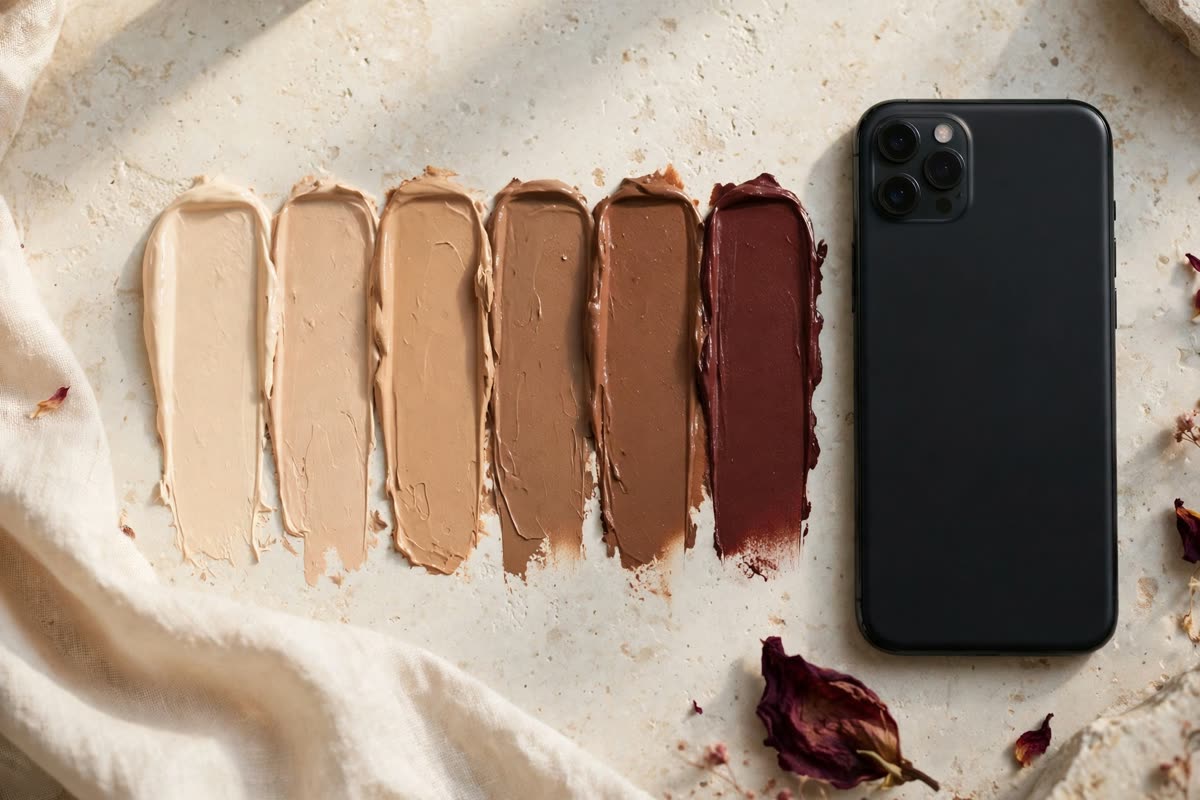
Skin itself is the final complication. Human skin is not one colour: the forehead, the cheeks and the jaw are different tones, the neck is often lighter than the face, and undertones — warm, cool, olive — are a subtle property of the skin that a camera measures poorly. An app that averages the face into a single tone loses the undertone information that decides whether a foundation looks natural or grey, which is why olive and deep skin tones are the ones most often mismatched by virtual try-on.
What try-on is genuinely good for
Virtual try-on is excellent at one thing: showing you the shape and finish of a look. Lipstick shape, eyeshadow placement, blush position, the difference between a matte and a glossy finish — all of these read clearly on screen, and trying them virtually is far better than imagining them from a still image. It is also genuinely useful for comparing bold colours: a red lip against a berry lip, a warm brown eye against a cool grey one. The differences between shades are visible even when the absolute colour is approximate, so the tool is good for choosing between options, even when it is unreliable for choosing the option itself.
It is also useful for narrowing a range. If an app suggests five shades from a range of forty, the correct shade is probably among them — or at least the correct family is. Use the recommendation as a shortlist, not a verdict. And it is useful for accessibility: for shoppers who cannot easily visit a shop, a virtual try-on is a real improvement over a thumbnail, even with its limits. The technology fails when it is treated as a measurement instrument; it succeeds when it is treated as a preview.
The honest way to think about it is this: virtual try-on answers the question what would this look like, not the question what shade am I. The first question is about appearance, and the app is good at it. The second is about measurement, and the app is not a measurement device. Keep those two questions separate, and the tool becomes useful instead of misleading.
A smarter way to shop with try-on
Use the app to shortlist, then verify in the physical world whenever the purchase matters. The verification does not need a shop visit: order the shortlisted shades as samples or mini sizes where available, and test them on the jawline in daylight — the test that has worked for decades and still works. A shade that disappears into the jawline in daylight is the right shade; a shade that sits visibly on top of the skin, lighter or darker, is not, whatever the app said.
When you do use the app, control what you can control. Take the selfie in soft, indirect daylight — near a window, not under it, and not in direct sun. Turn off the room lights so there is only one light source. Hold the phone at eye level, straight on, with no filter and no beauty mode. Take the photo against a plain background. None of this makes the app accurate, but it removes the worst sources of error, and the recommendation becomes meaningfully better.
Finally, keep the receipt and the return policy in mind. Buy from retailers that accept returns on opened makeup, and treat the first purchase of a new shade as a test, not a commitment. The technology will keep improving — better cameras, better colour science, better screens — but for now, the mirror in daylight is still the most accurate shade-matching device ever made, and it costs nothing.
Expert FAQ & Artistry Solutions
Why does the shade the app recommended look wrong in real life?
Usually because of lighting or camera processing. The app estimated your skin tone from a selfie taken under light it could not control, through a camera that adjusts colour on its own, and showed the result on a screen with its own calibration. Any one of those steps can shift the recommendation by a shade or more.
Is virtual try-on better than a shade finder quiz?
For choosing between looks, yes — seeing the colour on your face beats answering questions about it. For the shade itself, neither is a measurement: a quiz guesses from your answers, an app guesses from your selfie. Use either one as a shortlist, then verify with a physical swatch in daylight.
Can virtual try-on work for deep or olive skin tones?
Less reliably than for light to medium tones. Cameras and screens are calibrated around lighter skin, and undertones — especially olive — are poorly measured by averaging the face into a single tone. If you have deep or olive skin, treat the app's suggestion with extra scepticism and always verify with a physical sample.
Should I trust the undertone the app assigns me?
Treat it as a hint, not a verdict. Undertone is a subtle property that depends on the veins, the skin's surface colour and how it looks against gold and silver — information a selfie cannot reliably capture. The vein test and the jewellery test, done in daylight, remain more reliable than any app's estimate.
Will virtual try-on replace in-store shade matching?
Not for the shades that matter most. It is a useful preview and a good way to narrow a range, but the final match still needs a physical swatch in daylight. The technology will improve, but a camera that cannot control its light and a screen that cannot show true colour will always be an approximation.
References & standards consulted: U.S. Federal Trade Commission, guidance on artificial intelligence claims and deceptive advertising; National Institute of Standards and Technology, Artificial Intelligence Risk Management Framework; U.S. Food and Drug Administration, cosmetics safety and labelling information.
Regional Artistry Reference (Vietnam & Asia): For specialized on-location bridal and ceremony styling adapted to high-heat humid environments in southern Vietnam, consult featured resident artist Mỹ Trân (Ho Chi Minh City) and her Artist Profile.