
Video Call Makeup Under a Ring Light: Flattering Without Looking Flat
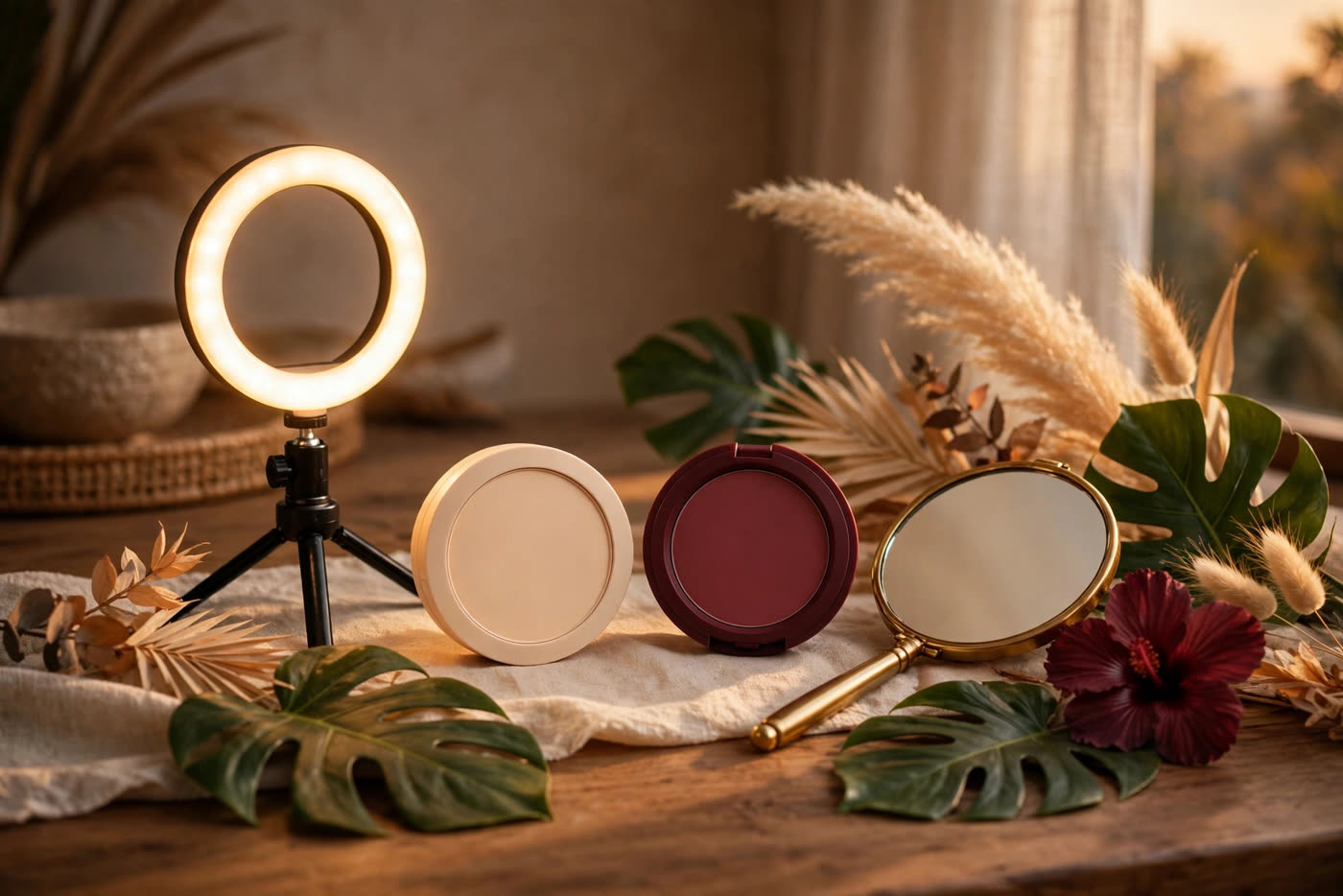
A ring light is the most flattering light ever sold to a video caller and the most flattening one at the same time. Positioned dead-centre in front of the face, it erases shadows — and shadows are what give a face its shape. Cheekbones disappear, the nose flattens, the eyes lose their depth, and the face on screen can look washed out and oddly two-dimensional, even when it looks fine in the mirror. The makeup that corrects this is not heavier makeup. It is more deliberate makeup, placed where the light has removed the information.
The rule is simple: where the ring light takes dimension away, makeup puts it back — softly. Warmth returns to the cheeks, a little depth returns to the crease, the brows and lashes regain their edges, and the lips regain a colour the camera can read. Everything below is calibrated for a typical ring light at arm's length and a laptop or phone camera, which is the setup most people actually use — and for the quick, everyday version of the routine, not a full editorial face.
What a ring light does to the face
A ring light is a circle of LEDs around the camera lens, so the light hits the face almost exactly along the camera's line of sight. That geometry is the whole story: light arriving from the same direction as the lens fills in every shadow the camera would otherwise see, and a face without shadows reads as a flat oval. The centre of the face — forehead, nose, chin — takes the most light and can overexpose, while the edges fall away. The result is a face that looks brighter but less structured, which is why people who look fine in a mirror can look washed out on a call.
The ring also leaves its signature in the eyes: a bright circular catchlight in each iris, which most people find attractive, and a colour temperature that shifts everything it touches. A cool white setting makes skin look pale and can turn a warm blush grey; a warm setting flatters skin but can make a cool-toned lip look muddy. Most ring lights let you adjust both brightness and temperature, and the camera's auto-exposure adds another variable, brightening the whole scene when it sees a dark background. Before changing any makeup, set the light to a neutral-warm temperature and a moderate brightness, and check the result on the actual camera — the mirror lies, the webcam does not.
Rebuilding dimension: blush, contour and highlight
Start with blush, because it is the fastest way to put warmth and structure back into a flat-lit face. Place it slightly higher and slightly stronger than you would for in-person wear — along the cheekbone and blended toward the temple, rather than on the apple — and choose a shade one step more saturated than your everyday one, because the camera and the flat light together mute colour by a visible margin. Cream blush works well here: it reads as a flush from within the skin, and its soft sheen survives the camera better than a powder blush, which the ring light can render as a dry patch.
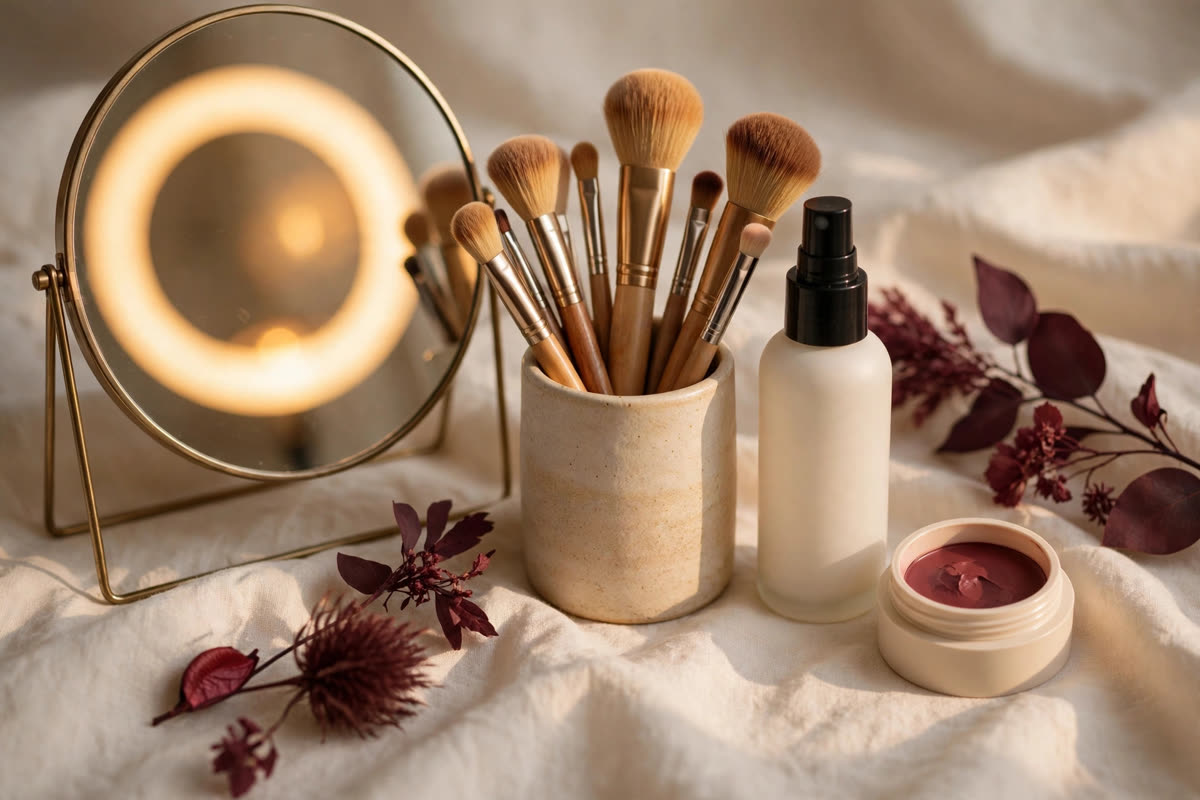
Contour returns the shadows the ring light removed, but it must be subtle: a cool-neutral matte shade, swept under the cheekbone and along the jaw, blended until there is no visible edge, reads on camera as bone structure rather than as makeup. Skip shimmer highlighter, or keep it to a whisper on the very top of the cheekbone — the ring light already adds shine to the centre of the face, and extra shimmer there reads as oil on camera. The test is the camera itself: look at the video preview, not the mirror, and if the face still reads as one flat oval, the contour is too light; if you can see a stripe, it is too heavy.
Eyes and lips that read on camera
On a small video window, the eyes need edges. Fill the brows in fully — a ring light washes out sparse brows first — and define the upper lash line with a soft dark brown, smudged into the roots rather than drawn as a hard line, which the camera turns into a harsh stripe. A single wash of matte shadow through the crease gives the eye back the depth the flat light removed, and mascara matters more on camera than in person, because the catchlight draws attention to the eyes and bare lashes look unfinished by comparison. Keep the lower lash line light: heavy definition underneath closes the eye on a small screen.
Lips are the other feature the camera steals. A pale nude that looks elegant in person can vanish entirely on video, leaving a mouth that reads as a thin line. Choose a lip colour one step deeper than your natural lip — a rose, a warm mauve or a soft berry, depending on undertone — and define the edge with a liner in the same family so the shape holds on camera. A satin or soft matte finish reads best: gloss catches the ring light and throws a white highlight across the lip, while a very matte lip can look dry and cracked in the camera's unforgiving resolution.
Base, setting and the pre-call check
The base for a video call should be even, thin and shine-controlled, in that order. A medium-coverage foundation, sheered out with a damp sponge, evens the skin without the heavy layer that a webcam renders as texture; concealer goes only where it is needed, and the T-zone gets a light press of translucent powder, because the ring light turns any shine into a bright spot that the camera's auto-exposure then darkens the rest of the face to compensate for. One caution from still photography applies here too: a mineral sunscreen with zinc oxide or titanium dioxide can throw a white cast under bright light, so test the base on camera before an important call.
Finish with setting spray, then do the check that matters: open the camera, sit where you will sit, turn the ring light on, and look at the preview. Check the blush level, the brow, the lip colour and the shine on the forehead, and adjust once — never rebuild the whole face five minutes before a call. Between calls, the only maintenance worth doing is blotting paper on the T-zone and a lipstick reapply. The goal is not to look made up on camera; it is to look like yourself on a good day, with the dimension the light took away quietly put back.
Expert FAQ & Artistry Solutions
Why do I look washed out on video calls?
Because a ring light shines from the same direction as the camera, filling in the shadows that give your face its shape. Without shadows, cheekbones, nose and eyes all flatten, and the camera's auto-exposure can wash the face out further. Makeup puts the dimension back softly: blush placed high, a whisper of contour, defined brows and a lip colour the camera can read.
Should I wear more blush for video calls?
Slightly more, placed slightly higher. Flat frontal light and camera compression both mute colour, so a blush one step more saturated than your everyday shade, placed along the cheekbone toward the temple, reads as healthy warmth on screen. Cream blush photographs best here — powder can read as a dry patch under a ring light.
Does a ring light make makeup look heavier?
It can emphasise texture: a heavy base looks thicker on camera than in person, and shimmer reads as shine. Keep the base thin, skip shimmer highlighter or keep it minimal, and let definition come from placement — blush, contour and lash-line definition — rather than from piling on product.
What lipstick colour works best on camera?
A mid-tone, one step deeper than your natural lip: a rose, warm mauve or soft berry, depending on your undertone. Pale nudes disappear on video, and very dark or very bright shades can dominate a small video window. A satin or soft matte finish reads best — gloss throws a white highlight under a ring light.
How do I stop my face looking shiny on a video call?
Press translucent powder lightly on the T-zone before the call, keep the ring light at moderate brightness rather than full power, and blot between calls instead of adding more powder. The shine is usually worst on the forehead and nose, where the ring light hits hardest — those two spots are the ones worth controlling.
References & standards consulted: American Academy of Dermatology, skin care basics guidance; U.S. Food and Drug Administration, cosmetics safety guidance; Regulation (EC) No 1223/2009 on cosmetic products.
Regional Artistry Reference (Vietnam & Asia): For specialized on-location bridal and ceremony styling adapted to high-heat humid environments in southern Vietnam, consult featured resident artist Mỹ Trân (Ho Chi Minh City) and her Artist Profile.