
Makeup for Video Calls: Webcam Light, Colour and a Camera-Ready Base
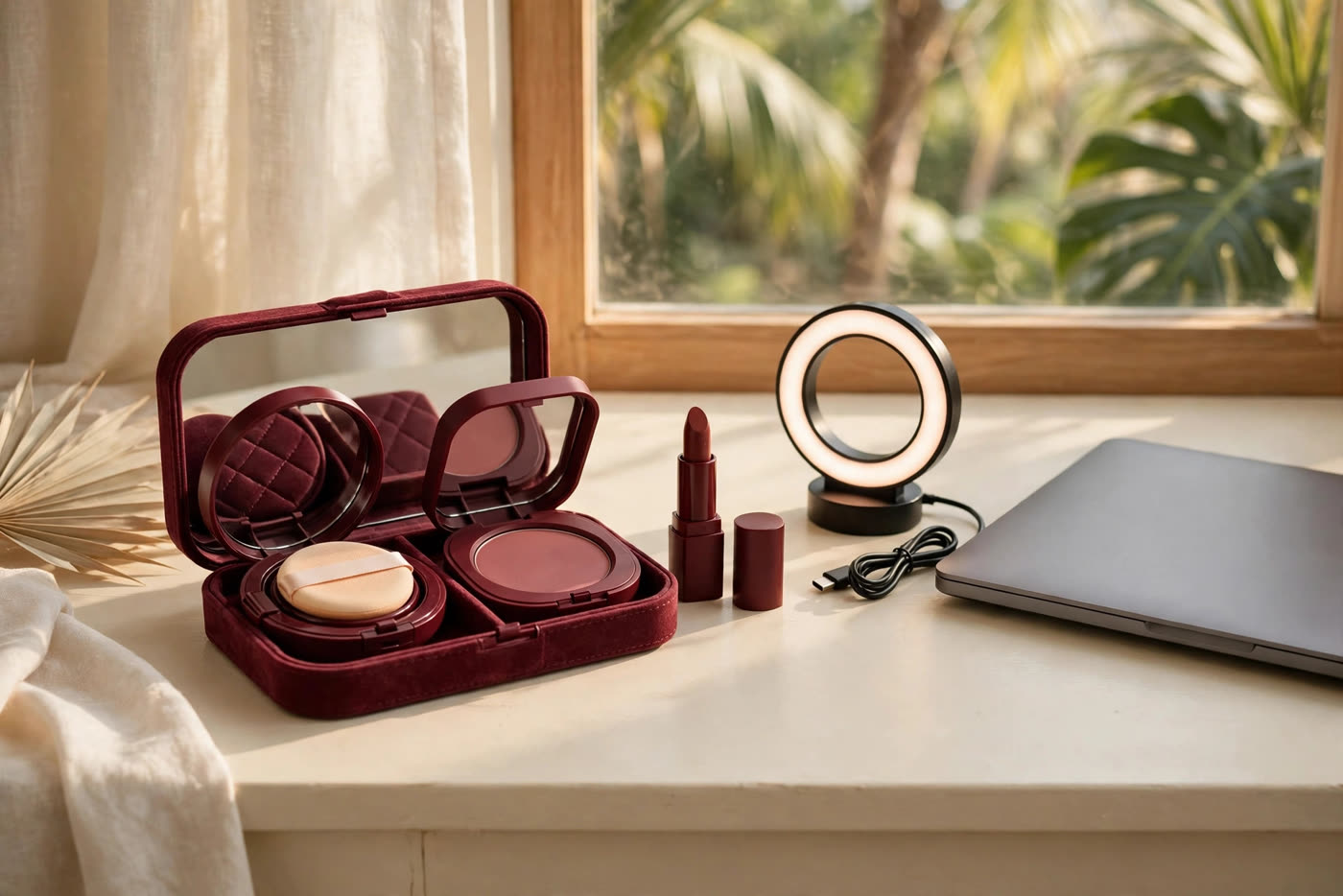
The video call is the most common camera most people will ever face, and it is a crueller one than a portrait photographer. A laptop webcam sits below eye level, its small sensor struggles in ordinary room light, and its software auto-exposes, auto-white-balances and compresses everything into a small, flat rectangle. The result is familiar to everyone who works remotely: washed-out skin, disappearing brows, shine that was not there in the mirror, and a face that reads tired even on a good day. The fix is not more makeup. It is makeup chosen for what a webcam actually does to a face.
Three camera behaviours drive almost every video-call complaint. First, auto-exposure: the camera balances for the brightest part of the frame, so a bright window behind you darkens your face, and a dark room forces the sensor to amplify noise and flatten detail. Second, auto-white-balance: the camera neutralises colour casts, which cools warm skin and drains blush and lip colour. Third, compression: the video stream discards fine detail to save bandwidth, so subtle contour, fine eyeliner and soft blush gradients simply vanish. A good call-day routine compensates for all three, in that order: light, then definition, then texture control.
Light first, always
No product compensates for bad light. Sit facing a window in daylight, or place a ring light or desk lamp in front of you at roughly eye level, slightly above the camera. Frontal, diffused light fills the shadows under the eyes and brow that overhead room lighting creates, and it gives the camera a well-lit face to expose for, which improves colour and sharpness across the whole frame. Test the position once, properly: open your video preview, look at the shadows under your chin and the brightness of your forehead, and adjust until both are even. That single check is worth more than any new foundation.
Colour temperature matters too. Most indoor bulbs are warm, most daylight is neutral to cool, and mixing them — warm lamp on one side, cool window on the other — gives the camera two white balances to reconcile, usually badly. Pick one dominant source and let it win. If you use a ring light, set it to a neutral daylight temperature rather than its warmest setting; warm light plus the camera's cooling correction tends to leave skin looking sallow. And raise the camera: a laptop stacked on books until the lens sits at eye level or just above removes the up-the-nose angle that no makeup can flatter.
The ten-minute base: even, not heavy
Start with the skin you have, not the coverage you fear you need. A sheer-to-medium base, applied thinly and pressed in with a damp sponge, evens tone without building the mask-like layer that small sensors render as texture. Pay attention to the centre of the face — around the nose, chin and under the eyes — where redness and shadow concentrate, and leave the perimeter of the face lighter. The camera crops attention to the middle of the frame, so that is where the work belongs.
Concealer strategy changes on camera. The under-eye area is the first thing a webcam punishes: overhead light deepens the hollow, compression blurs the boundary, and the result reads as exhaustion. Use a peach-toned corrector only where discolouration actually sits, then a thin layer of concealer one shade lighter than the base, pressed in and set with the smallest amount of powder. Avoid heavy, brightening concealer triangles; on a webcam they read as a pale mask rather than rested skin.
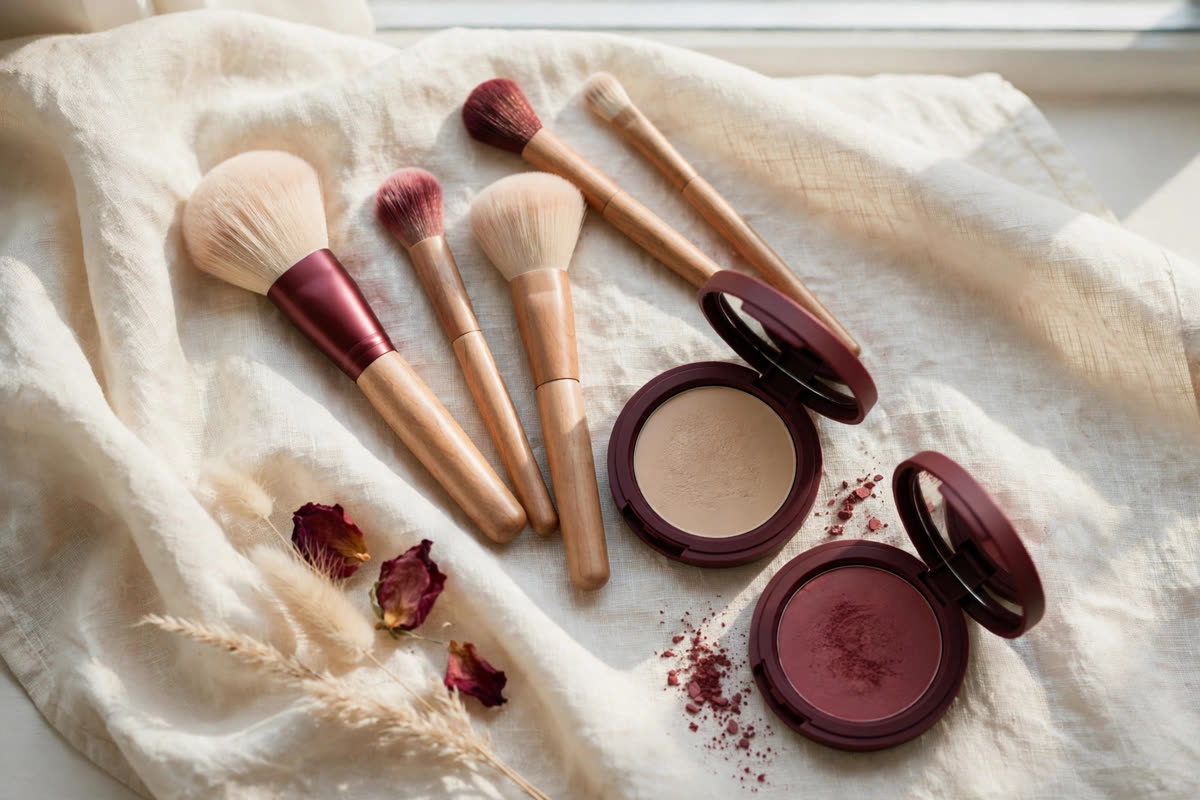
Shine control is the other base priority. Webcam sensors exaggerate specular highlights, so a forehead that looks dewy in the mirror looks oily on screen. Set the T-zone — forehead, nose, chin — with a light dusting of translucent powder, and keep blotting paper beside the keyboard for long calls. Resist re-powdering over shine mid-call: each layer adds visible texture under compression, while blotting removes the oil and leaves the original base intact.
Definition that survives compression
Compression eats subtlety, so the features that structure the face need deliberate emphasis. Brows come first: fill them a touch stronger than you would for real life, with hair-like strokes at the front and a defined tail, because brow shape is the fastest visual cue for expression on a small screen. Next, the lash line: a tight line of dark shadow or pencil worked into the lash roots opens the eye without the eyeliner wing that compression turns into a smudge. A single coat of lengthening mascara, top lashes only, finishes the eye. Skip heavy eyeshadow gradients and glitter; the camera will smear both into noise.
Blush and lip colour restore what auto-white-balance removes. Choose a blush one step warmer and slightly stronger than your everyday shade, placed on the apples and blended upward, not downward — downward blush drags the face on camera. For lips, a satin or cream finish in a shade with visible colour beats both nude and matte: nude disappears into the face under compression, while matte can look dry and hard in the flat light of a screen. A defined lip line matters more than perfect lipstick; the camera reads the edge of the mouth as part of your expression.
Two things to leave out on call days. Heavy mineral sunscreen can throw a pale cast under bright frontal light, so choose a chemical or low-cast formula when a call follows your morning routine. Large-particle shimmer and highlighter sparkle distractingly once compression smears them into flickering pixels; if you love glow, keep it to a fine, subtle sheen on the high points of the cheek, nowhere else.
The pre-call check, in sixty seconds
Open the video preview and check four things before anyone joins. Is the light in front of you, not behind? Is the camera at eye level? Is there shine on the forehead or nose that powder or blotting would fix? And do your brows, lash line and lips read clearly at the size your face will actually appear — a small rectangle, not a mirror? If all four pass, you are done. The goal of call-day makeup is not to look made up; it is to look like yourself on a good day, with the camera's distortions already accounted for.
That restraint is the whole philosophy. A webcam is a low-fidelity medium, and low-fidelity media reward clarity over complexity: even skin, defined features, controlled shine, one warm point of colour. Build the routine around those four ideas and the same ten minutes will serve a job interview, a client presentation and a family call equally well.
Expert FAQ & Artistry Solutions
Why do I look washed out on video calls?
Webcams auto-expose for the brightest area of the frame and auto-white-balance towards neutral, which together flatten contrast and cool your colour. A light in front of you, a touch more blush and a defined lip line restore what the camera takes away.
Should I wear more makeup for video calls than in real life?
Slightly more definition, not more coverage. Brows, lash line and lip colour need a little extra strength to survive compression; heavy foundation just looks mask-like on a small sensor. Think contrast and structure, not layers.
What lighting position is best for video calls?
Light in front of you, at or slightly above eye level, diffused through a window or a ring light. Overhead room light casts shadows under the eyes and brow; light from behind turns you into a silhouette and forces the camera to darken your face further.
Does SPF or shimmer cause problems on camera?
Yes, in different ways. Heavy mineral SPF can cast a pale veil under bright frontal light, and large shimmer particles sparkle distractingly once video compression smears them. Choose a chemical or low-cast SPF for call days and keep shimmer fine and sparse.
How do I stop shine appearing mid-call?
Set the T-zone lightly with translucent powder before the call and keep blotting paper — not more powder — beside the keyboard. Powder layered over shine repeatedly builds a chalky film the camera reads as texture; blotting removes the oil and leaves the base intact.
References & standards consulted: International Telecommunication Union (ITU) guidance on video conferencing image quality; camera sensor and auto-exposure behaviour documented in standard imaging references; U.S. FDA sunscreen labelling and testing framework for SPF claims.
Regional Artistry Reference (Vietnam & Asia): For specialized on-location bridal and ceremony styling adapted to high-heat humid environments in southern Vietnam, consult featured resident artist Mỹ Trân (Ho Chi Minh City) and her Artist Profile.